New on GitHub, Chaos and Cats, a new freely-released university course in the foundational maths-led theory of computer graphics, motion, 3D models, etc.



New on GitHub, Chaos and Cats, a new freely-released university course in the foundational maths-led theory of computer graphics, motion, 3D models, etc.
Once again, my round-up of items for DAZ and Poser that caught my eye during the past month, plus links to interesting software. Only listing items that allow commercial use for renders.
Science fiction:
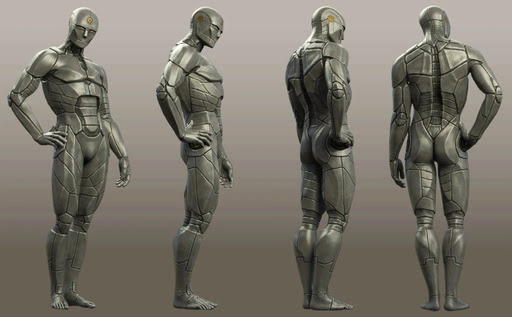
Ferro for Genesis 9, a retro Asimov-style robot.
Alien Sentinel props.

Fantasy:
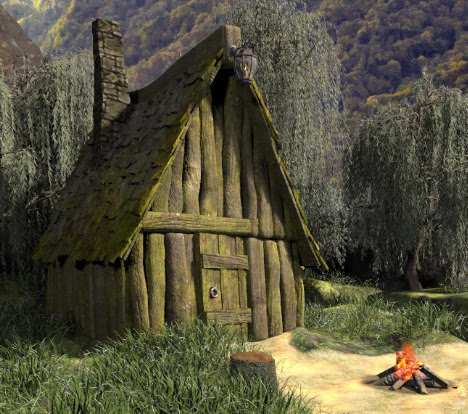
AJ Fantasy Hut for Poser.
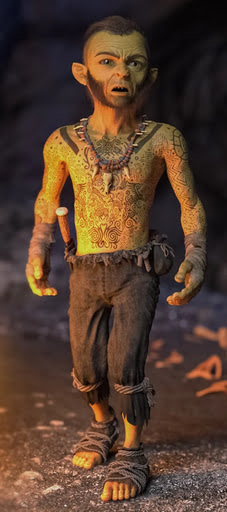
The Cave Dweller for Barnabus Ragwort, for DAZ.
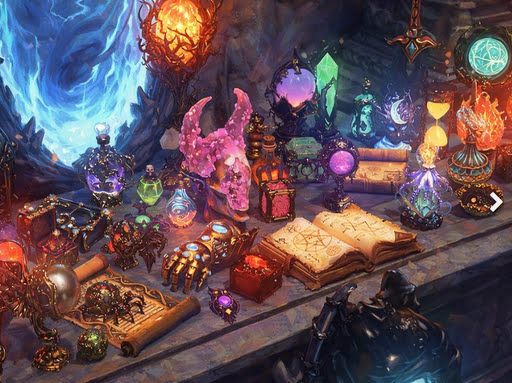
50 Magical Objects Collection for DAZ Studio
Werewolf for DAZ Studio, looks like it was designed for a game, rather than being made for DAZ, but an AI restyle of a render would probably fix that.
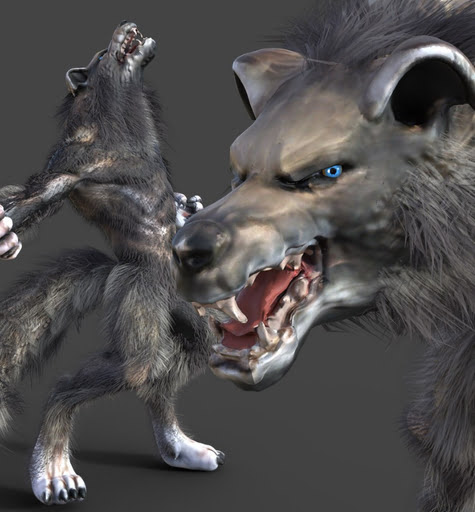
Furry Full-Body SBH Fur for Genesis 9.

Steampunk:
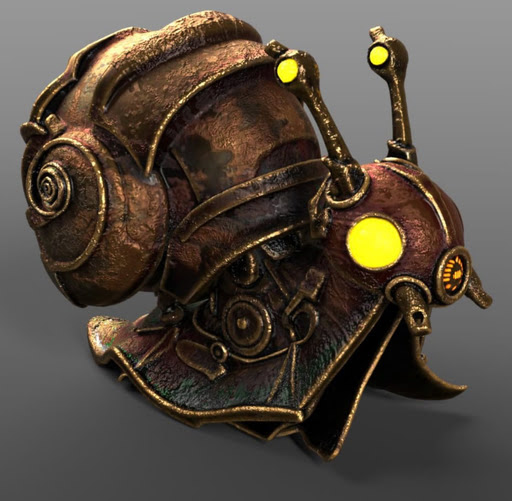
A Steampunk Snail. Seems to be a set of static .OBJs.
Storybook:
Free Scissors for DAZ Studio.

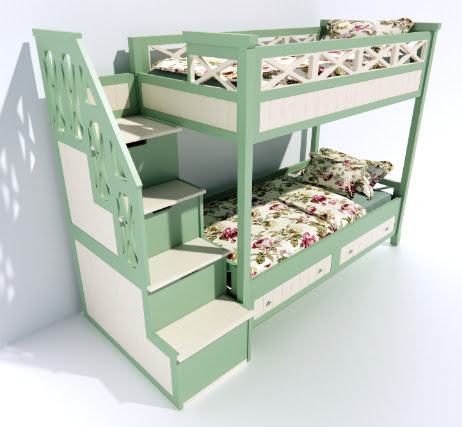
A free cute Bunk-bed.
Seedlings – Cute Flower Creature Plant Pots. Seem to be static .OBJs, but nicely done. See also the Cute Uglings by the same maker.

A free toony Pot of Gold and hat.

People, clothes and pose sets:
Free Floor Sitting Poses for G8M.
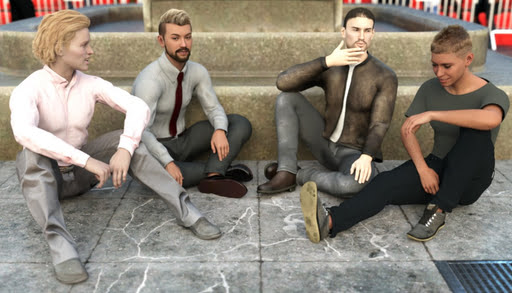
25 Female Animations Pack-2 for G9.
Writing Stuff Down, props and poses for DAZ.
Animals:

Rozsakert has free Millennium Dog poses, and circus horse-riding acrobatics.
Horse Poses for Millennium Horse.
Nature’s Wonders Worms & Grubs, because your birdies need to eat!
Landscapes:
Free Wooden Fences for Vue.
XI Underwater City, and there are plenty of mermaids this month at the DAZ Store.
Historical:
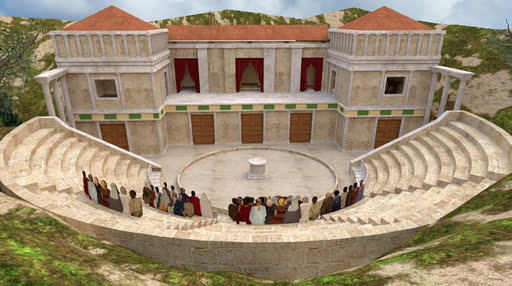
Ancient Greek Theatre for Poser.
German Tavern Maid Dirndl outfit for Genesis 8.1.
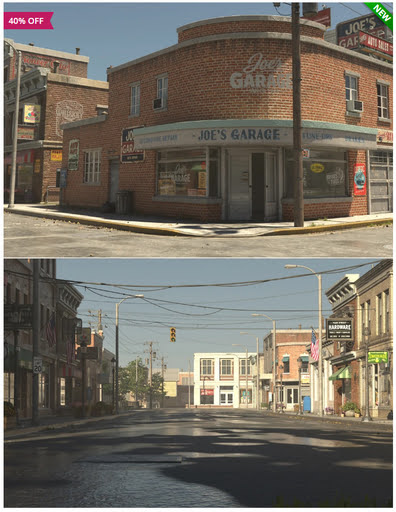
Stonemason’s new Main Street USA, circa the early 1940s.
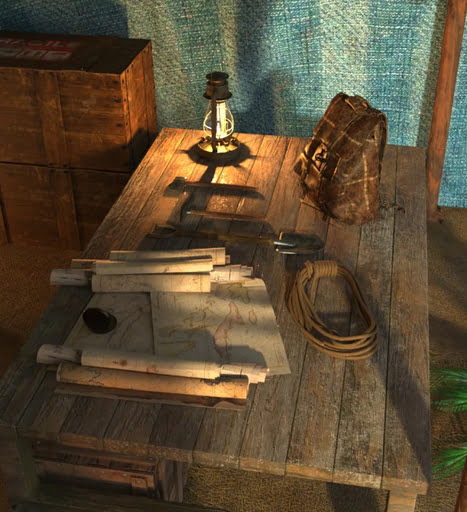
AP Archaeologist Tent Add-On (interior) for the AP Archaeologist Tent.
Utilities:
Look at Me III for DAZ, now including upper body re-positioning.
LowPi Reposition Crowd for DAZ 3D.
Tutorials:
* New on YouTube, a tutorial on how to go about “Including dozens or hundreds of figures in your scenes” in DAZ Studio.
* Potentially a new article-series on Renderosity, “Beginning Your Graphic Novel Journey with Poser 14”.
* A DAZ Studio quickstart cheat-sheet for ComfyUI users who are clueless about the software.
* I guess this one counts as a tutorial also, in a way. The U.S. Supreme Court has ruled that AI-generated images cannot be copyrighted if no human authorship can be demonstrated. Actually demonstrated in court that is, not simply ‘claimed’. Nor is it enough to claim ‘I wrote the text prompt that generated it, therefore…’. That won’t wash either. So if you want to claim U.S. copyright you’ll need to keep process-notes, screenshots of the process, details of your postwork edits, your assembly of the final work, etc. So you can demonstrate how it was made, in court and in front of a skeptical copyright judge. Sadly I suspect that what most people will do is simply not tell anyone that they used AI as an assistant, and the quality of AI (if done right) is increasing so much now that no-one will know.
Software:
* There have been a slew of releases from the ‘big beast’ 3D software developers this springtime. Maya, 3DS Max, Blender 5.1 and more. Nothing with new features of any real relavance to Poser/DAZ users, that I could see in the changelogs. Lightwave 2026 is still awaited, though a long technology preview was released on YouTube a week or so ago.
* After being moribund since early 2022, I see that the venerable ‘3D Swiss Army knife’ freeware utility MeshLab sprang back to life at the end of summer 2025 with a new version.
* UnitedAdobeEditor. A mature utility to change your Adobe Photoshop splash-screen, with relative ease.
* The free and powerful G’MIC Photoshop .8BF filter plugin is now at version 3.8. Changelog and download.
* The new blog post “More findings on auto-translation of comics”, with links to the software and plugins. Includes a new free Photoshop Action + scripts.
* NovelForge 4.0 is now available, a $50 script and novel-writing software from the Mediachance stable (maker of Dynamic Auto Painter and others). Now with excellent local TTS voices (Kokoro via an ONNX wrapper). The NovelForge demo is non-expiring and has nearly all features.
* Voicebox 0.3, a fully offline and open-source GUI for text-to-speech using advanced (but slow) models such as Chatterbox and Qwen3-TTS. Not tested, and it’s an early alpha, but it already has a Windows installer and a nice slick GUI.
Local generative AI and Photoshop:
* The new Comfyui-photoshop-bridge, which apparently supports any “Adobe Photoshop with CEP support (CS6+ / CC 2015+)”. Previously such Photoshop bridges to/from ComfyUI required the latest Photoshop.
* On the backend, the new Photoshop-Python-API-MCP-Server. Enables AI models… “to execute image editing operations, automate workflows, and manage Photoshop tasks”.
* Comfysketch Pro is a highly polished Sketch node for ComfyUI which provides a complete Photoshop-like sketch/paint/edit UI inside Comfy. Costs 15 euros on Gumroad. New in the latest version (end March 2026) is “Viewport sync” with your 3D software… “Live camera sync with Blender, Maya, or Houdini”; “Stream the 3D viewport directly into ComfySketch via WebSocket”; “Paint over your 3D scene in real-time”. DAZ is not supported but I believe it offers websocket, while Poser doesn’t. Note there’s also a more basic ComfySketch for free on GitHub.
* re: Comfysketch Pro’s new viewport feature, note that there are also other free ‘viewport viewers’ such as Schoen-Peek and Live-input-stream. These can work with any software that offers a Viewport or Canvas.
That’s all for now, more next month.
The $50 Windows desktop software NovelForge is now at version 4.0. This script and novel-writing software, from the maker of the worthy graphics plugin Dynamic Auto-Painter, now adds “over 50 local neural voices” for audiobook production, plus Word export, and more. Nice, though sadly there’s still no native Dark Mode for the UI — which may be a deal-breaker for many writers. The paid third-party software WindowsTop is the only thing that can make the entire UI go dark and retain visibility/functionality for the UI. NovelForge 4.0 does however now have a Dark Mode for its special ‘distraction free’ editor, which is something.
The new 4.0 version has been tested by me, and the Kokoro offline voices are surprisingly excellent (considering the installer is a mere 260Mb) and there are a lot of them. Lewis (British) is perhaps the best.
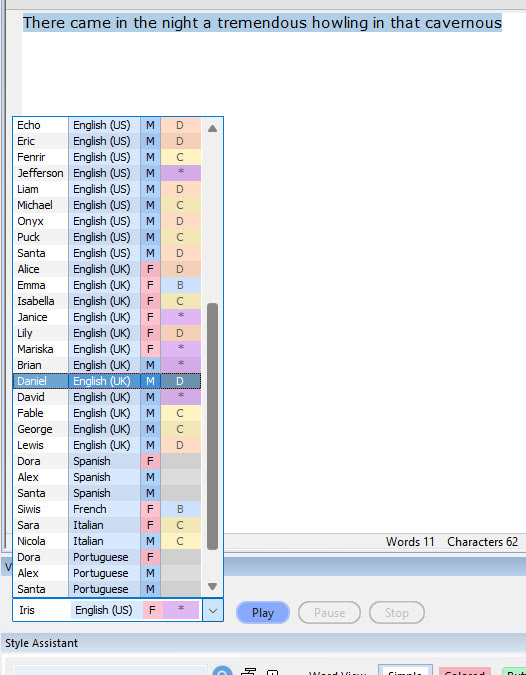
However, one can’t have dialogue read in different voices from the same page. There’s no SSML tagging system to change voices in mid-page. And, rather surprisingly, no-one has elsewhere made a Windows text-editor which integrates Kokoro in a way that can do multi-actor dialogue. It’s not even in Balabolka, the go-to TTS software, which one might have thought would be a natural fit for the local and real-time Kokoro.
The latest PD Howler 2026.5 update adds hooks into Google’s top-flight online Gemini AI, seemingly to enable the sort of 3D modelling and texturing that Howler can’t do natively. An interesting one is ‘Fractal Garden’ which generates 3D landscapes in low-poly, so the landscape can be run in a Web browser. You can then ‘brush on’ rocks and plants, clouds and water, or just apply a biome preset over the whole landscape. The landscapes can be exported.
A new $35 procedural fractals software that works inside of Blender, Vectron Fractals Blender Edition. You also need Octane for Blender, apparently, to do them justice when rendering.
Pixiv & Clip Studio Global Comic Awards 2026, with a submission deadline of 31st March 2026.
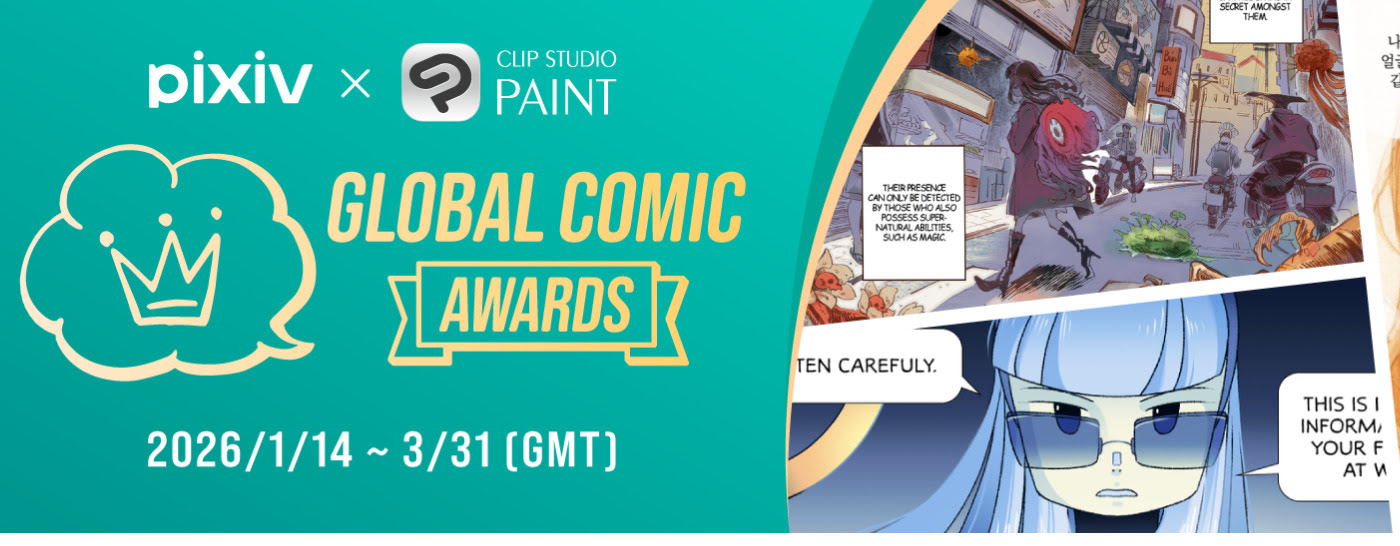
The Future Vision XPrize is now live, a $3.5 million film-making contest. Submit a three minute trailer for a film that tells a story about an optimistic future. Specifically, show how good things will become real in a technologically-advanced future that is happening because of us (not being done ‘to us’). Animation and AI tools can be used. Deadline: 15th August 2026.
LTX Desktop Beta has been released. It’s a free video generator and non-linear video editor, with a slick but simple GUI. Under the hood it’s powered by the new LTX 2.3 model. It’s the official LTX desktop software, open-source (Apache2.0) and fully local. No proprietary layers, full access to the models and their weights.
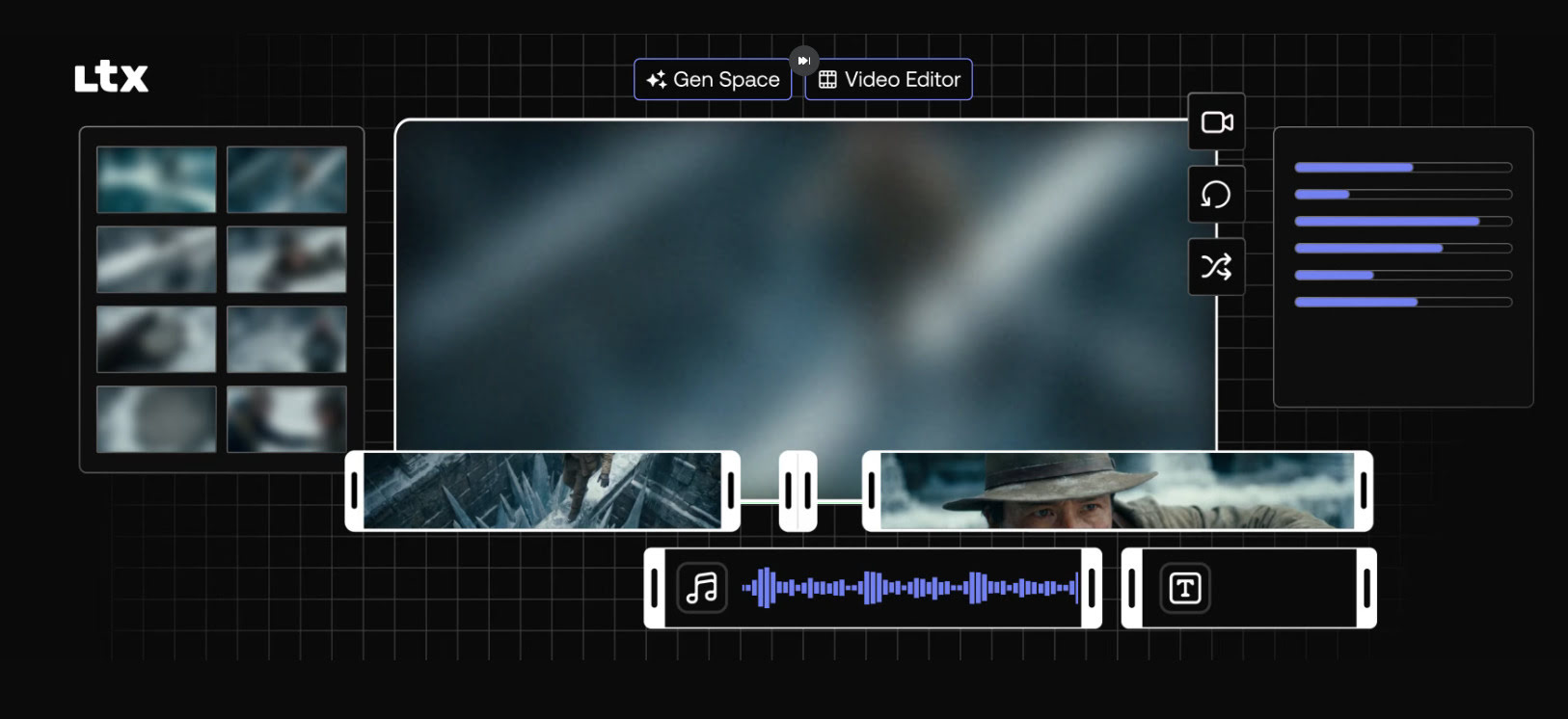
A simple interface, but with a powerful and cutting-edge AI video generation model underneath it. Can do ‘image to video’ as well as ‘prompt to video’, so the AI-haters don’t have to freak out about copyright. Just drop in your 3D render and watch it being restyled and/or animated. If you have the required VRAM of course. 32Gb is apparently optimum.
Expect long one-time downloads of the required multi-Gb models, once you have the LTX Desktop software installed.
It will need a powerful graphics-card to run it, of course, as well as masses of hard-drive space. 24Gb of VRAM on the graphics-card is usually thought of as needed for worth-having video generation, and 32Gb(!) is recommended here. Though note there’s also a mention of the option in LTX Desktop to use “an API key”, which suggests the software can also hook into a paid LTX cloud service. In that respect, those familiar with the ComfyUI node-based interface should also look at Comfy Cloud — which does not lock you into the LTX model only.
A quick tutorial for those new to DAZ Studio and wresting with lighting, aiming for a nice image to take into a Stable Diffusion model. Solution: Don’t add preset lights at all! Auto-headlamp, and then adjust Exposure and Shutter Speed to get a nicely-balanced and real-time viewport. This provides a good evenly-lit starting render, better than Smooth Shaded.
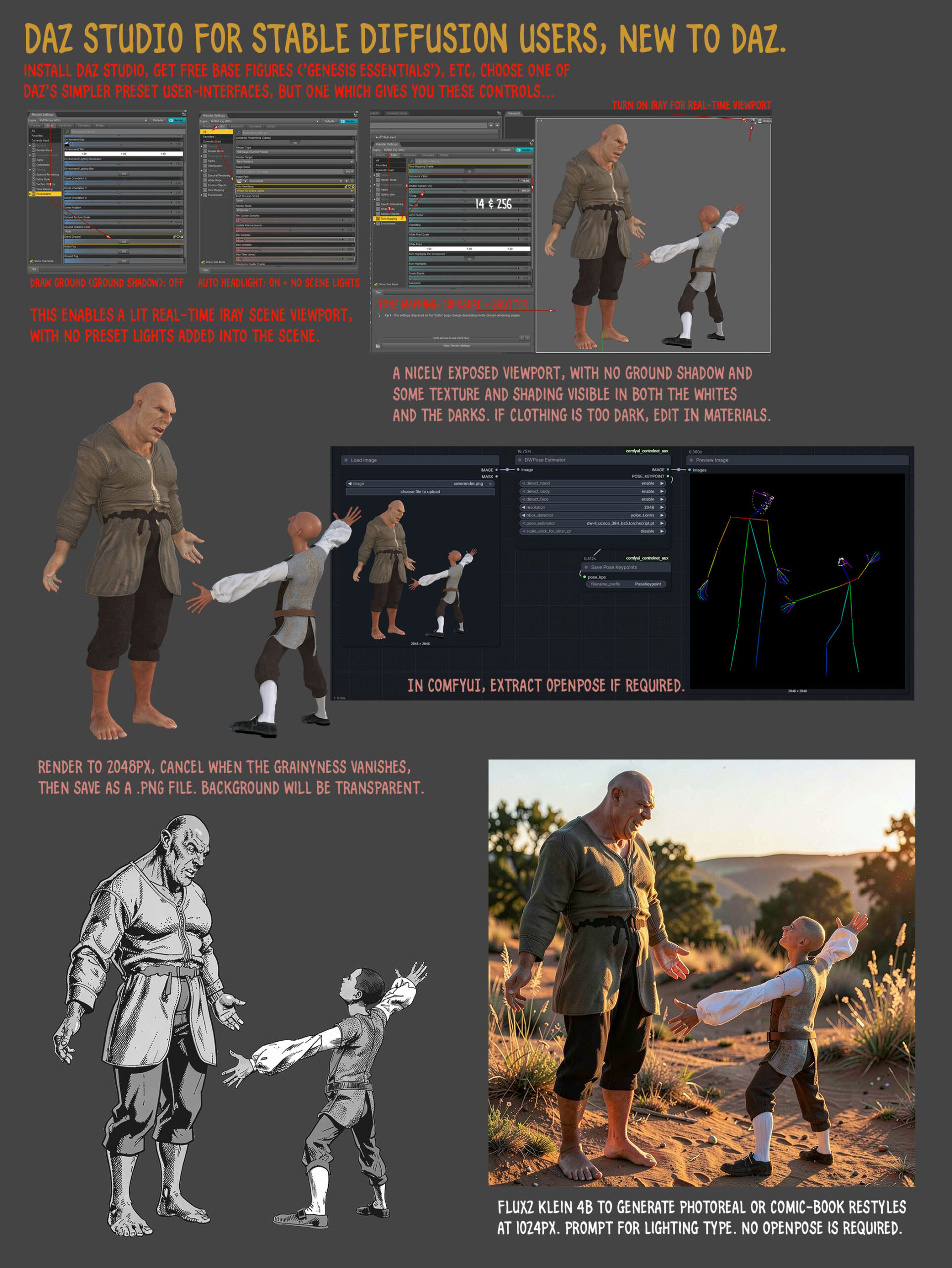
Things change here (expressions, head-angle, hair added), but it’s possible to prompt to get more of a 1:1 match. Thus enabling re-colouring with the DAZ render in Photoshop, for consistent colouring in comics.
Free Tier Arrives in Comfy Cloud, with a simple no-fuss Google login/signup. 400 credits a month, no roll-over. Apparently that gets you about 20 minutes worth of generation on a fast GPU. Enough to try the latest ‘hot new’ model each month, maybe even a couple of times, and see if it’s for you or not. Or perhaps very slowly generate a short film, a bit each month. There are no free workflows/models, everything consumes credits.
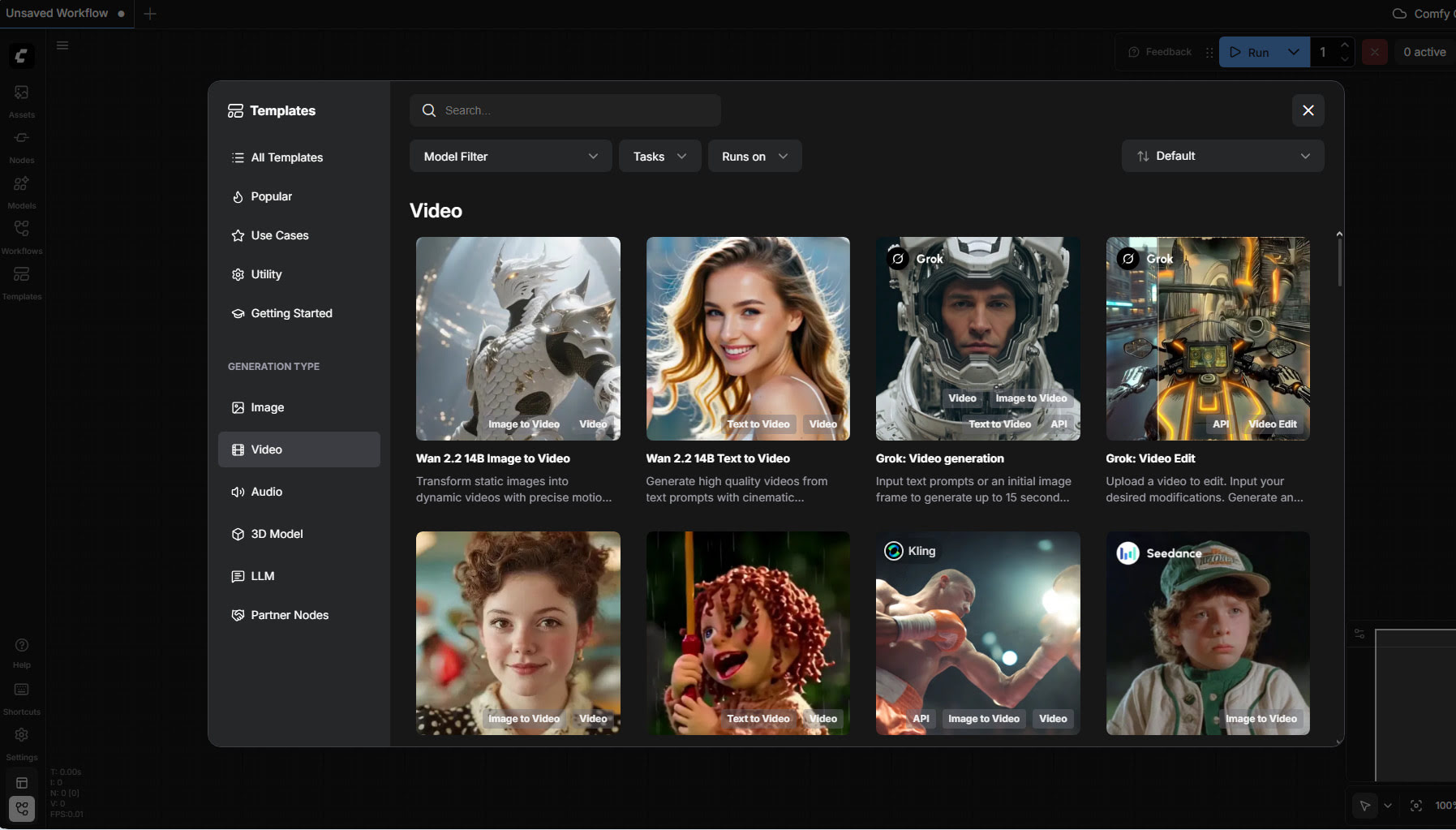
Alongside the usual it offers tools useful for the 3D crowd, such as ‘sketch to 3D model’, or relighting of a rendered scene without re-rendering. Note also the presence of ElevenLabs TTS in there, via a partnership agreement.
Drawbacks: your favourite local custom-nodes may not be available; you may not be able to run very long workflows; possible wait-times and queues.
 Posted in Companion software, DAZ Studio, Poser, Poser to Stable Diffusion
Leave a comment
Posted in Companion software, DAZ Studio, Poser, Poser to Stable Diffusion
Leave a comment
Welcome to my regular pick of goodies for Poser and DAZ, and my round-up of other interesting software. This covers February 2026. As usual, just my picks, and with a focus on commercial-use items.
Note that Renderosity’s website is becoming very flaky, to the extent that the site is often unusable. You may need several tries to get a page to load, or just have to wait for several minutes. The same also goes for DAZ…

Science fiction:
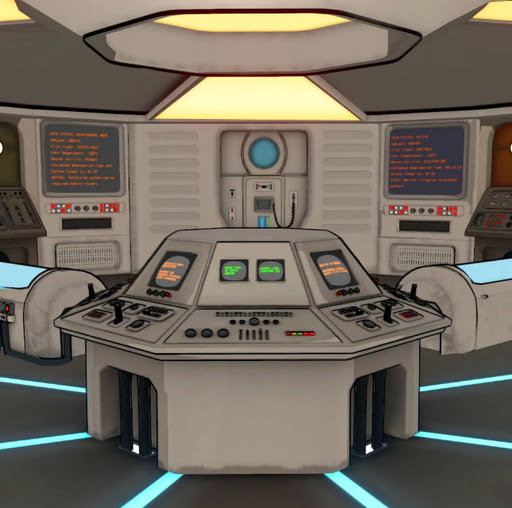
An old-school Cryo-Vault: HS-2000 Command Center, perhaps of use for Doctor Who scenes?
Fantasy:
No fantasy picks this month.
Gothic and horror:
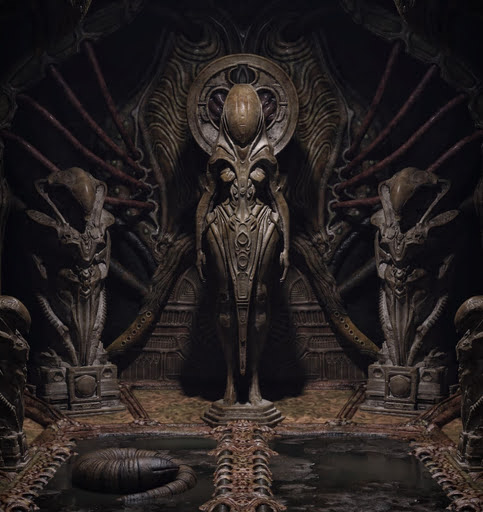
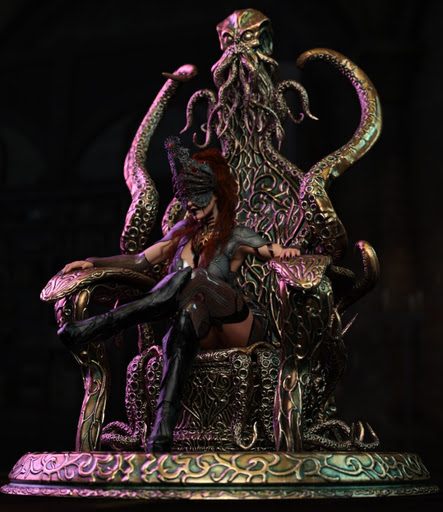
The Eldritch Sovereign Throne, with G9 pose.
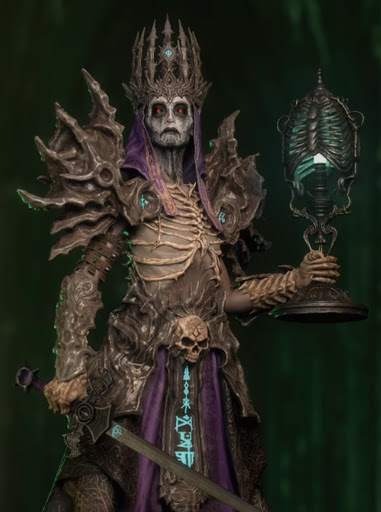
Gothic Lamps Collection for DAZ.
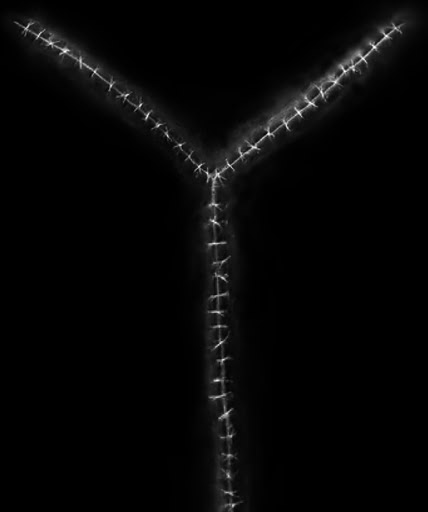
Stitched Scars-for-G8F-and-G8M.
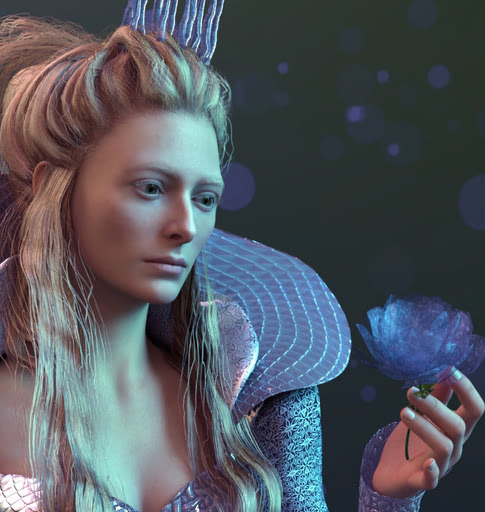
Jadis for G9F, a lookalike for the young Tilda Swinton.
Steampunk:
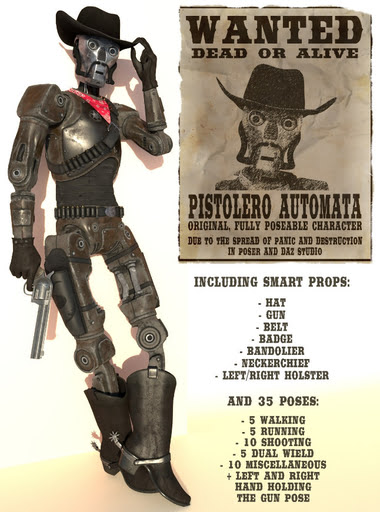
Pistolero Automata, a robo-cowboy.
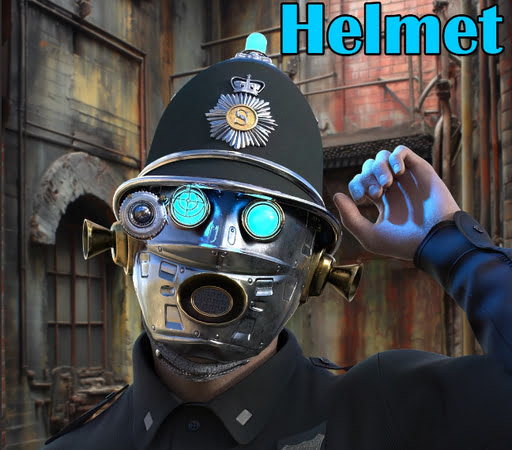
Police Enforcer Helmet for DAZ Studio.
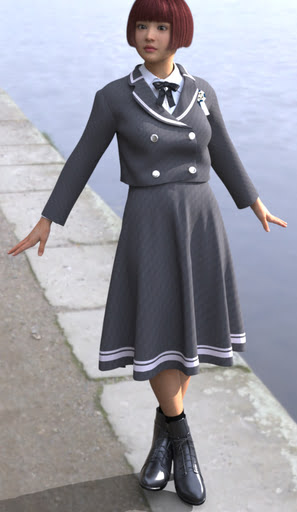
A free Ensemble Dress for G8F, potentially suitable for steampunk.
Chronos Mechanica Watch for Genesis 9.
Storybook:
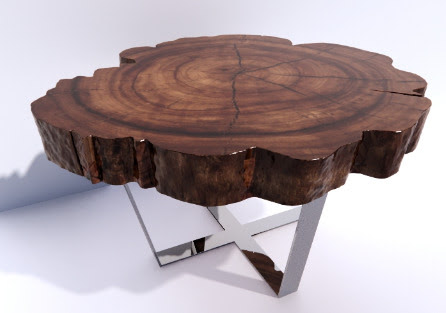
A free Woodmood Coffee Table, potentially adaptable for a woodland tea-party scene.
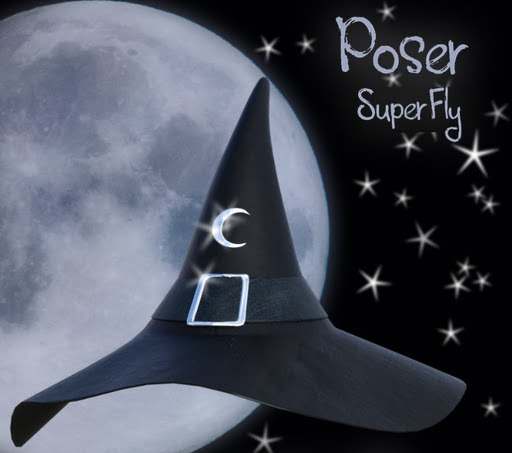
A free simple-but-pleasing Witch Hat for Poser.
Free simple Toyboxes for Poser.
Toon:
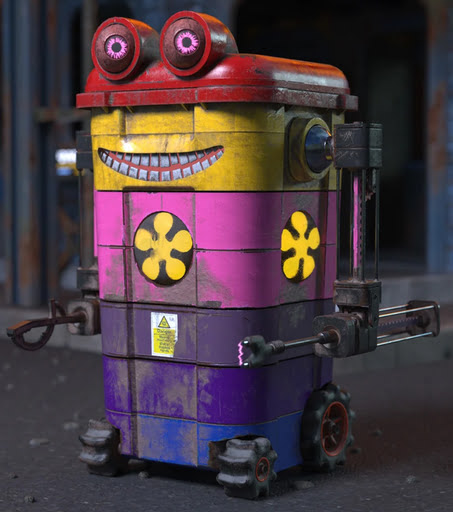
Somewhat stylised Underwater Toon Props 2, suitable for toon and semi-toon fish.
Free, a bumper pack with a decade’s worth of poses for Nursoda’s Poser characters. Also some facial morphs.
Figures and parts:
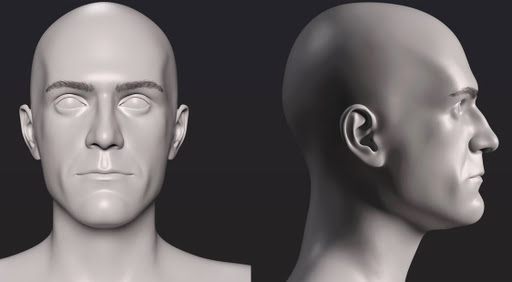
A free C. Lloyd head for G8M.
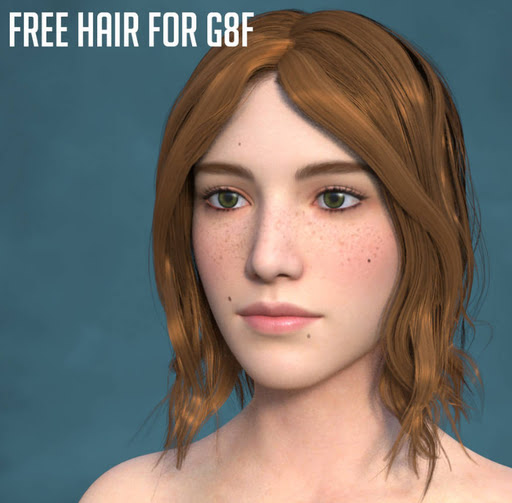
Free floppy Hair For G8F.
Free, 2,600 Carnegie Mellon .BVH files for Poser, as animated .GIF previews.
Landscapes, seascapes and environment props:
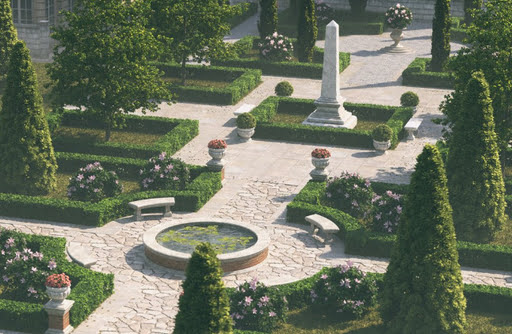
Stonemason’s The Classical Gardens.
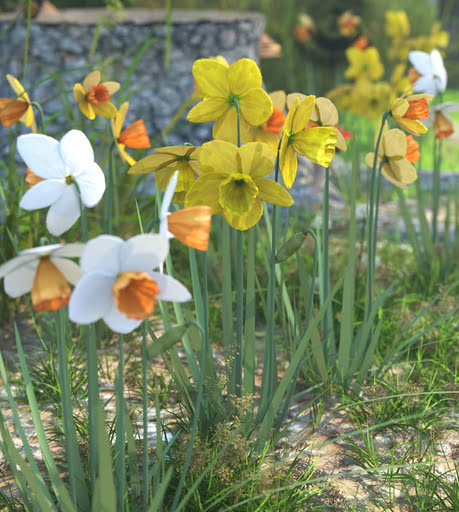
Spring Daffodil Flowers for DAZ.
A dramatic XI Root Bridge.

Animals:
Songbird ReMix Antpittas. Cute little ant-eaters.
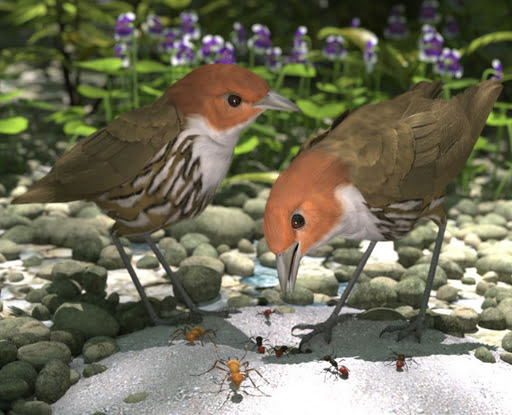
Songbird ReMix Parrots v7: Pacific Parrotlet Breeds.
Cat got your birds? They’re probably wearing one of the new T3d Meow Xpress for DAZ House Cat expressions.
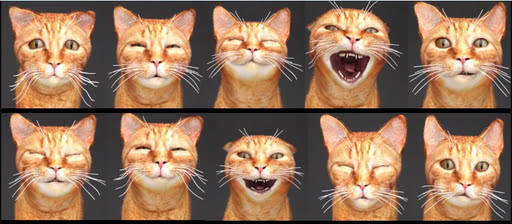
A free Cat Wheel Pro for your Poser / DAZ moggies.
3DV Cat Accessories Big Bundle For DAZ.
Historical:
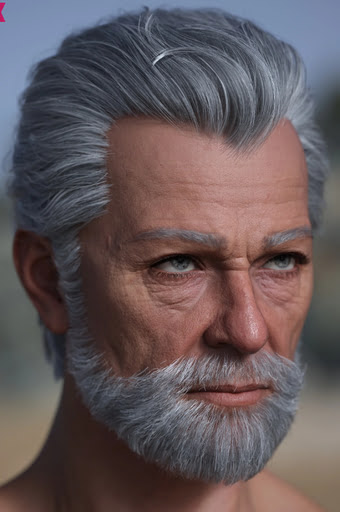
Classic Mature Hair Set for Genesis 9, looking suitable for ‘Biblical patriarch’ art.
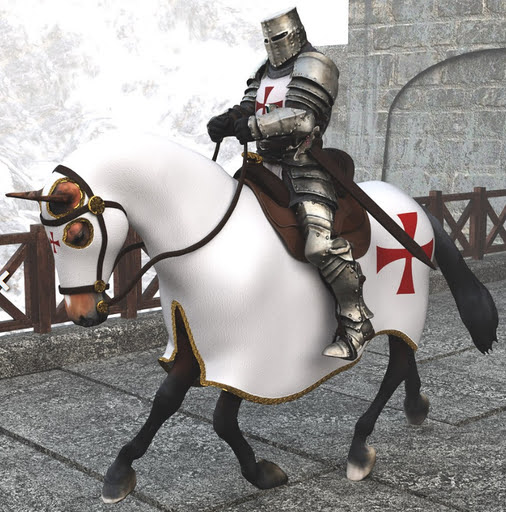
The Templar for DAZ Studio and Templar Horse.
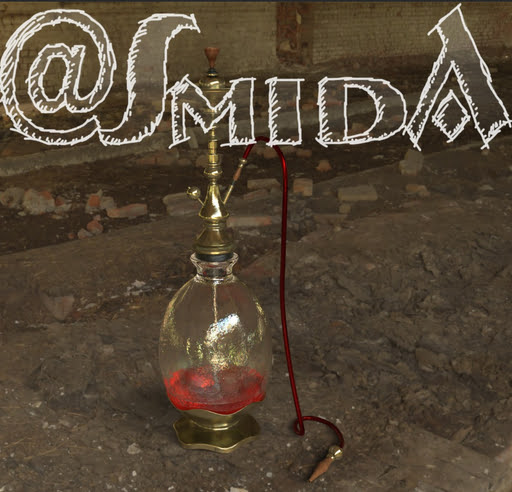
A free Waterpipe.
A Outpost Ruins Standalone for jungle scenes. Plus Outpost Kitbash for additional clutter and decay.
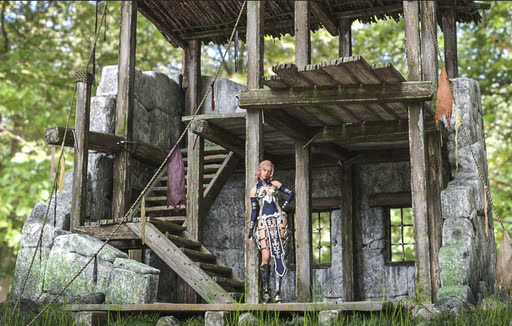
1930-50s dForce British game shooting outfit.
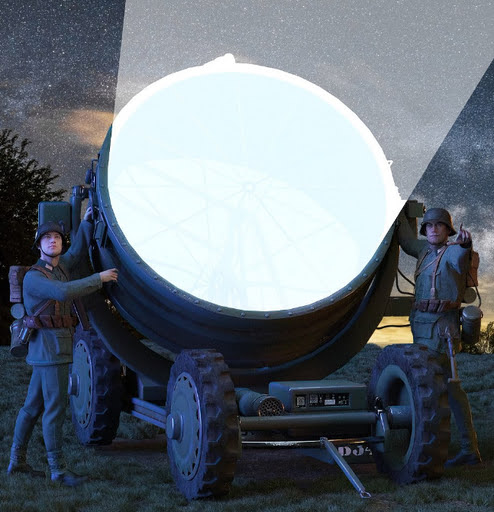
German Anti-Aircraft Searchlight for DAZ.
Scripts and other auto-helpers:
A free POV-EyeCam for Genesis 9.
DAZ LOD System and Cleaner. LOD is one of the methods by which videogames load huge scenes into a relatively small PC memory.
Tutorials:
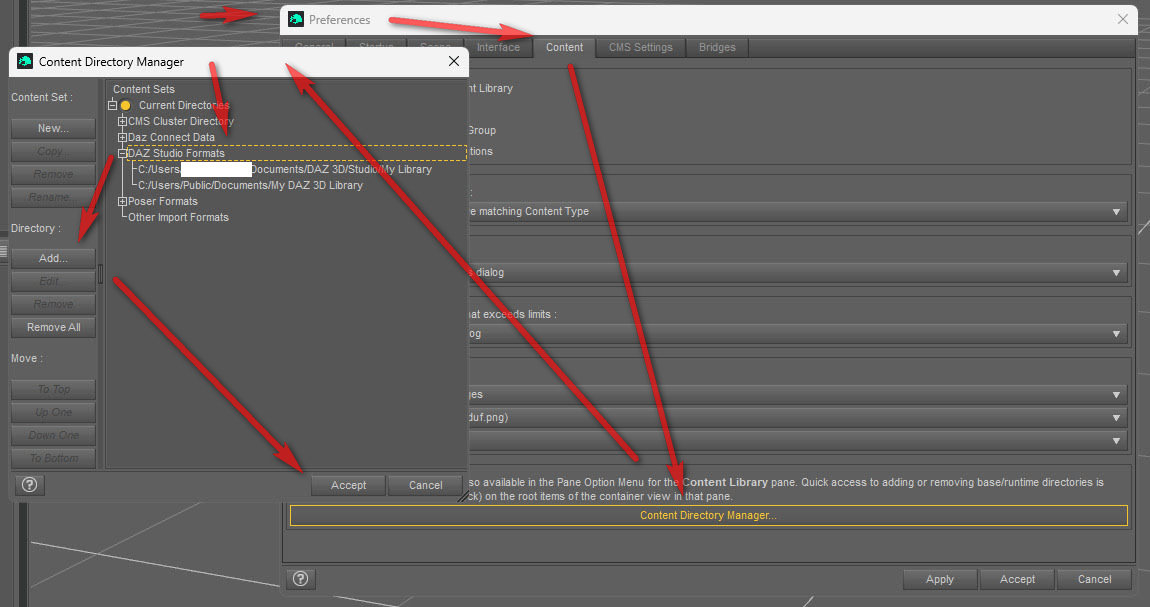
* At YouTube, the new How to manually download and install DAZ content.
* Also useful is this image (see below), for those who install a new DAZ Studio version and find all their content has gone AWOL. It shows the convoluted process of getting your content library back again.
Software:
* Poser 14.0.227, with the new ‘Poser Cloth’. There’s been another release since then. The changelog suggests that Poser Physics has been getting a lot of attention, presumably to align it with the new Cloth.
* A wholly free desktop YoutubeDownloader that works. Useful for getting tutorial videos running locally and offline.
AI and similar helpers:
All free, as is the way with local AI.
* A group-test to discover which Z-Image Turbo style LoRAs work with the fast Z-Image Turbo Nunchaku r256 variant.
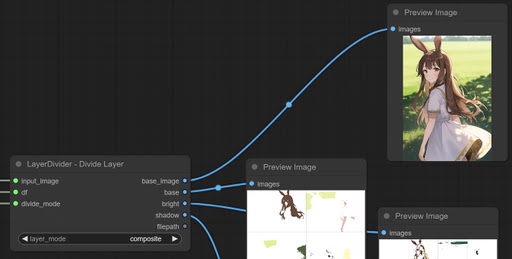
* ComfyUI LayerDivider for automatically creating layered .PSD files inside ComfyUI. Looks a bit hit-and-miss, but potentially it gets you Photoshop layers containing auto-masks for skin, hair and shadows. These then have obvious uses in postwork.
* A 360-degree VR image maker for Flux.2 Klein 4B. Uses automatic outpainting to seamlessly fill gaps between several images.
* Have Flux.2 Klein 4B extract Color Palette from an image. Just a basic one. See also 2020’s detailed survey “Some tools for extracting a limited colour palette from a picture”.

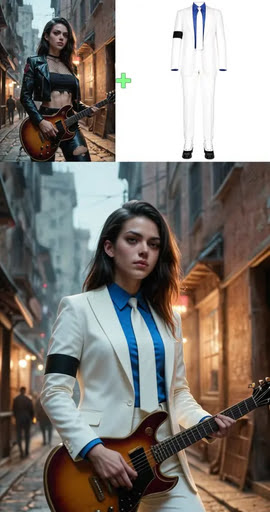
* Also for the amazing and fast Flux.2 Klein 4B, an Attach Outfit & Try On LoRA. Presumably it should work with Poser /DAZ renders, potentially opening up a whole realm of new free costumes?
* Restyling demos for Poser to Klein 4B and iRay to Klein 4B. 100% repeatable characters for comics production. Though it’s only likely to interest a few people. As with the 3D crowd, the Stable Diffusion crowd are overwhelmingly interested only in hyper-realistic 8k skin and animations of dancing girls with jiggling breasts.
* ComfyUI-Execute-Python: A single ComfyUI node for executing arbitrary Python code. Don’t worry… the node gets the PC’s unique GUID when installed, and thus makes your install of it unique and far safer. This means a shared workflow (i.e. downloaded from the Internet) can’t use it to run some nasty Python code. The legitimate use-case is obvious… you can have ComfyUI load external software as part of the workflow, and have that software run its own script on the ComfyUI output image. For example…
import subprocess

subprocess.call([r'C:\Program Files\Adobe\Adobe Photoshop\Photoshop.exe',r'C:\do_something.jsx'])
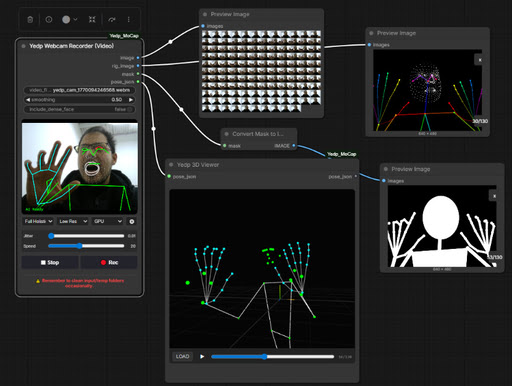
* ComfyUI-Yedp-Mocap, for capture from your webcam. Lightweight javascript extracts openpose frames from your video feed, and sends the frames to Controlnets, leaving your graphics-card free to run the image generation / restyling.
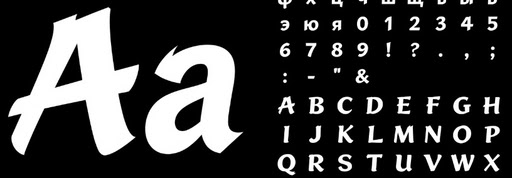
* A font generator for Flux.2 Klein 9B. Smart generation of… “1280×1280px font atlases from a single reference image and using the same font style”. Stable Diffusion for fonts, basically.
* The free Nichey, the only software I could find that automatically generates a full wiki from a set of local documents. You can plug in any capable online AI that has an “OpenAI compatible API”, and which isn’t going to freak out at being asked to ingest the documents and make a wiki from them. Potentially very useful if you have obscure creative software that needs a wiki, but you don’t have the time to make one.
Coming soon:
* Official massive RAM optimization fixes for ComfyUI Portable. And the new official NVIDIA Studio driver should greatly speed up the already-fast Flux.2 Klein, though I’m unsure if it will only benefit the latest 50-series graphics-cards. Releases soon, for both. Already here in speed-ups, ComfyUI-CacheDiT.
Qwen 3.5 is out and now has GGUFs. Potentially meaning a more powerful replacement for Qwen 3 4B as a standard prompt text-encoder in ComfyUI.
That’s it for now.
Posted in Companion software, Freebies, Poser, Spotted in the News, The Animation Industry
1 Comment
I see that Shriinivas has an animated directory for the 2,600 Carnegie Mellon .BVH motion capture files. Released November 2023, you get little munchkins in .GIF animations which show each motion-capture.
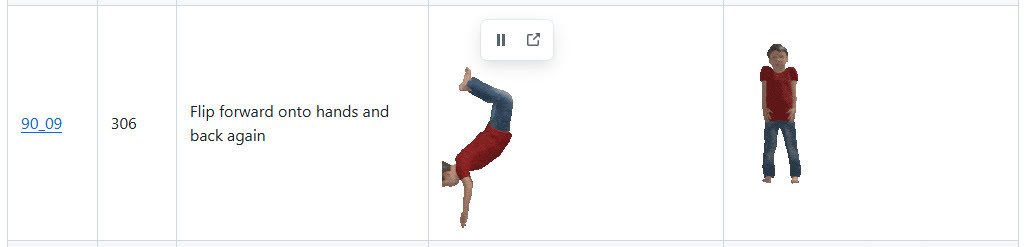
The .BVH files are linked with a named link alongside each animation, but note that these don’t lead to the Poser versions. For Poser you want the cmu-ecstasy-motion-bvh-poser-friendly-2012 freebie archive. But the names in each set are the same. Thus Shriinivas’s “90_09” means that in the Poser files you need to look in folder “90” and there find the file “90_09.bvh”.
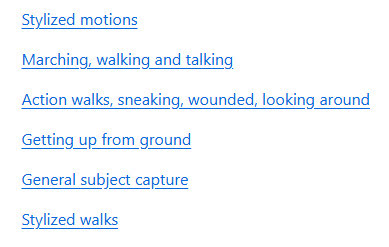
Scroll down his page to see the link to sub-pages for named ‘Animation Categories’, e.g.
Instructions for loading .BVH to a Poser figure, here. Sadly there’s still no drag-and-drop of .BVH in Poser.
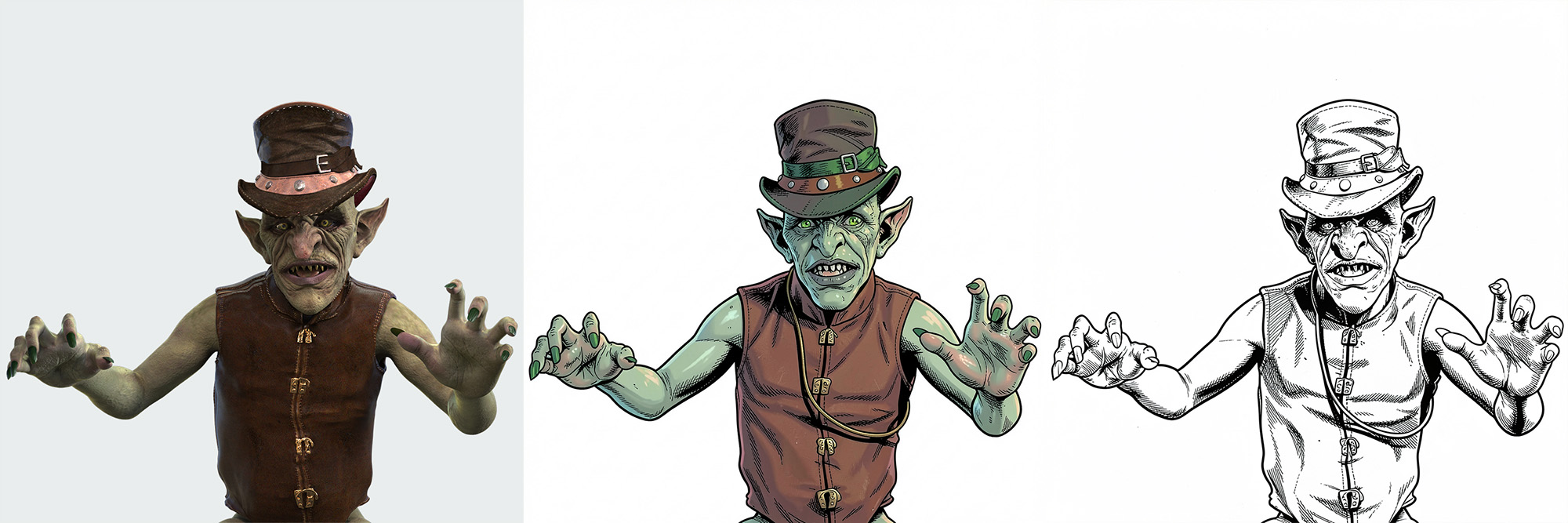
Following last night’s Poser test of Klein 4B, someone asked ‘Do we need Poser’s real-time Comic Book linework?’ in the source image. Well, here’s a test with the Genesis 3 Madgloom figure and some quickly applied steampunk clothing, rendered in pure iRay in DAZ Studio. As you can see, a relatively dark iRay render of an unoptimized figure doesn’t phase Klein.
I added additional prompting to get the green hatband, green eyes and skin, to thus make Madgloom into a sort of ‘Leaping Leprechaun’ comic-book super-villain. The unwanted invented strap across the waistcoat was later removed with an additional prompt telling Klein to retain the clothing exactly. The fixed seed of ’42’ ensures restyling reproducibility.
So, no. When promoting for a comic-book style at least, that’s what you get. Comic-book. With other styles, the comic-book lines from Poser may matter more in the end result.
I found some time to do a demo sheet for a few of the many restyles that can be prompted for in German’s superb Flux.2 Klein 4b AI model. No LoRAs or Embeddings required. The figure is Nursoda’s Chull, and the quick Bondware Poser render used as the source-image is deliberately very basic, with no attempt to change the grungy fabric or the dark eyes, or to do a fancy full render.
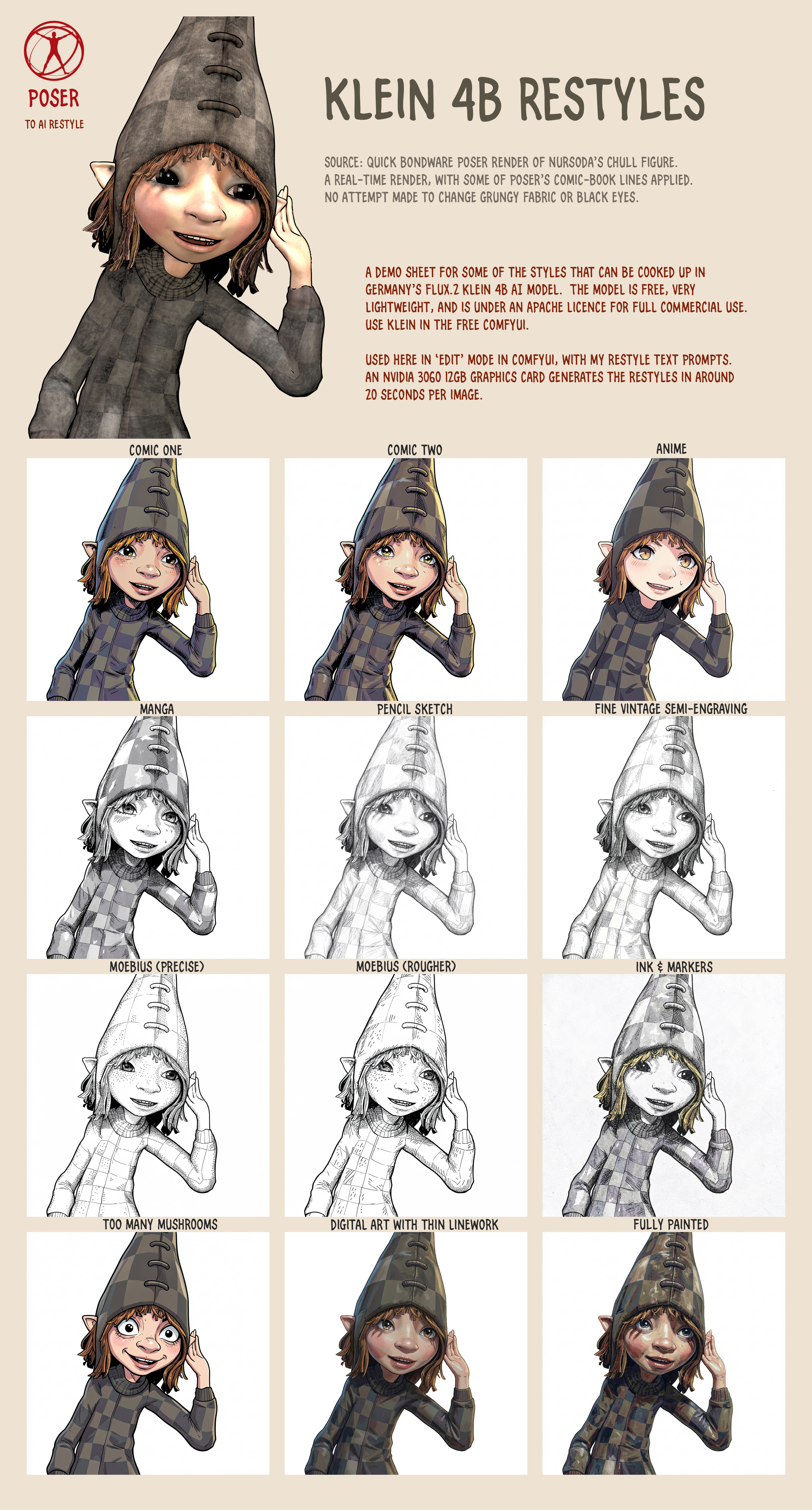
See the full-sized image for the fine detail. I didn’t get around to some of the thicker oil painting or charcoal styles, but it can also do that. Watercolour I don’t like in Klein, it’s too blotchy and splashy.
All generations were made with a static seed of ’42’, for reproducibility.
Another ‘Poser to AI’ style success. A while back I made some Poser renders with Nursoda’s Chull figure, to test with Flux Kontext and style transfer. It was a failure. However we now have Flux2 Klein 4B, made in Germany, which is dual-use as it also has a wonderful Edit mode. There are only a few style LoRAs for 4B, but tonight I dug out my Chull renders and I find that the model is so flexible that one can just prompt for a style and get it consistently.
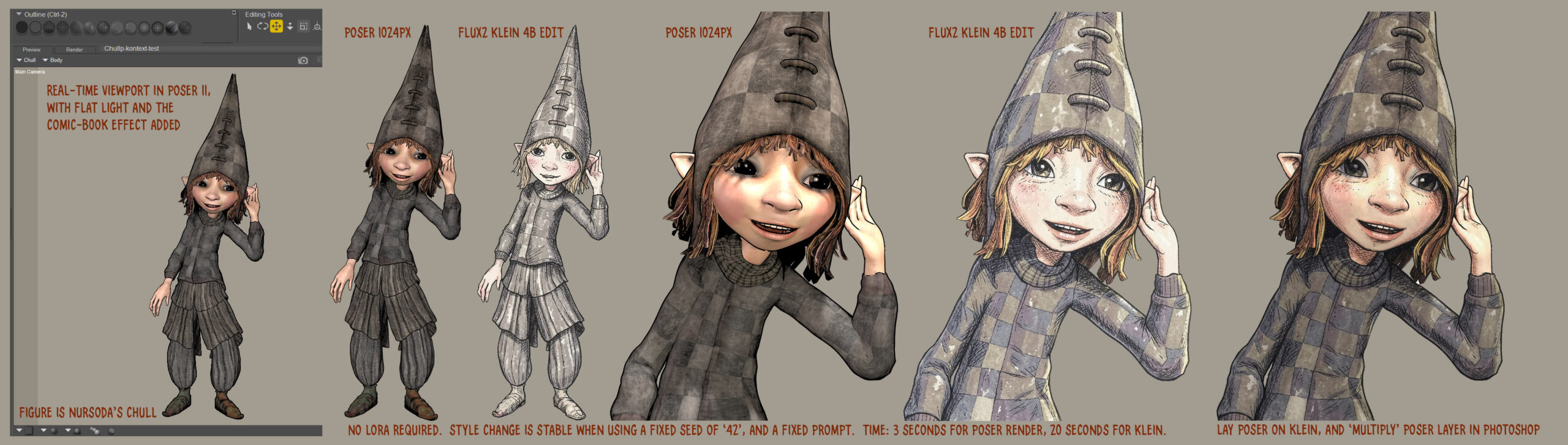
Here we see Chull being given a style makeover by Klein with just a short instructional prompt and a fixed seed. Klein’s Edit mode is working much like an old-school Photoshop filter. The result is a little washed out, but the registration between the original Poser render and the Klein is fairly exact… which means that Photoshop can easily correct that. Just lay the Poser source render on top of the Klein output, and set the ‘Multiply’ layer-blending mode.
The end result is quite appealing. At least when seen at a large size. Like all artwork with very fine lines, it’s not graphic enough to work well at small sizes. Such as in a small comic panel. But for a full-page children’s storybook illustration, it has a lot of appeal.
Problems are that Klein retains the 3D ‘ribbon style’ hair, and that the gaze direction has shifted. Gaze direction was prompted for, asking for it to remain fixed. But in the full-length Klein output we still get the dreaded “must stare at the camera” problem. In the close-up Klein output one of the eye pupils has been squished a little. Possibly Klein doesn’t understand ‘gaze’, though.
Still, not bad for a first proper attempt at a LoRA-less style makeover with Klein.